> ## Documentation Index
> Fetch the complete documentation index at: https://hub.agentr.global/llms.txt
> Use this file to discover all available pages before exploring further.
# Career Portal Setup
> Complete guide to configure and publish your branded careers portal
# 🚀 Setting Up Your Career Portal
> ⚠️ **Note**: Please complete the **Domain Configuration** first (via **Settings → Domain Setup**) if you haven’t already. This step is required to enable the **Career Portal Setup** option.
## Step 1: Access Portal Settings
1. Navigate to **Dashboard** → **Settings** (Organisation's Logo)
2. Select **Careers Portal** from Organization Details
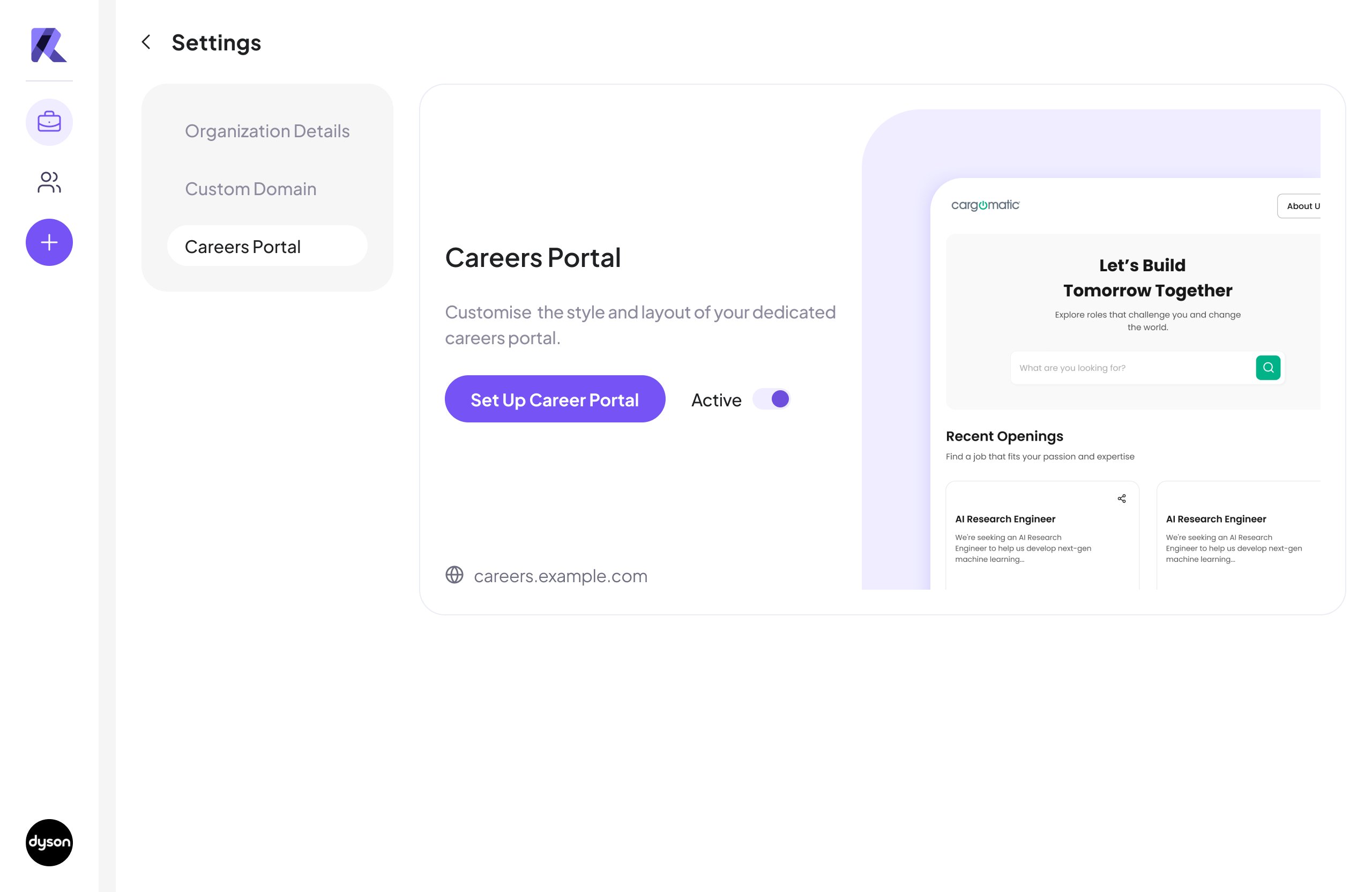 ## Step 2: Customize & Activate Portal
Watch this Step-by-Step Video Guide to Complete the Setup 👇
## Step 2: Customize & Activate Portal
Watch this Step-by-Step Video Guide to Complete the Setup 👇